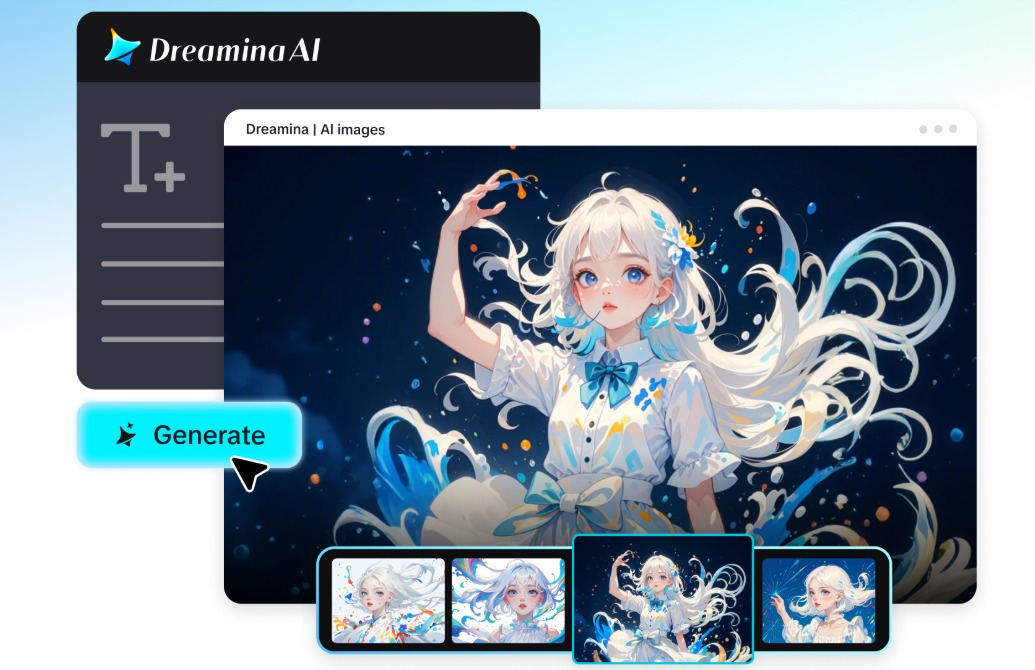
When there are dozens of ways to visualize an idea, it can be difficult to decide on an artistic direction. Constantly rewriting prompts can hinder initial exploration and meaningful comparisons. Dreamina AI combines image generation with creative tools, allowing users to experiment with various visual options. It has a creative agent that can assist with batch ideation up to a maximum of 40 visual directions, based on the information provided on the platform. It’s not just about creating more images. It’s finding unique styles that convey the original idea well.
Understand the Difference Between Image Generation and AI-Assisted Brainstorming
Traditional text-to-image generation converts written instructions into images. This is a more interactive way of working with an AI creative agent, where you can let the AI explore various interpretations without having to manually prompt it for each one. Dreamina AI can also be utilized for generating images, as well as for creative experimentation and exploration. But forty pictures are not necessarily forty different ideas. Evaluate the composition, mood, treatment of the subject, and relevance rather than the number of outputs. There is still creative judgment needed to select the final design, but meaningful brainstorming finds alternatives that are worth developing.
Write a Brief That Leaves Room for Creative Exploration
A good brief lays a foundation for things that have to stay the same, but things that are allowed to change. Dreamina’s AI Image generator process starts by inputting a subject, purpose, and key composition elements. Indicate if this image is a poster, social graphic, character illustration, product campaign, or concept-art collection. Find the elements that do not change, such as the topic identity, the key objects, the branding, and the required wording. Be flexible with lighting, palette, texture, and artistic medium. Tell what the mood is supposed to be without giving all the details of the decoration. This balance allows the creative person space to experiment with and develop variations that are still meaningful while not losing the concept.
Steps to Brainstorm 40 Styles with an AI Agent in Dreamina
Step 1: Sign in and brief your style brainstorm
- First, sign up or log in to Dreamina to start your big style brainstorm session.
- Go to the “Create” tab from the left menu and choose the “AI Image”
- Then, enter a detailed prompt that tells the agent your image elements, theme, and concept.
Step 2: Pick models and set up 40 style variations
- Next, choose an image model from the options at the bottom of the dialogue box.
- Seedream, GPT Image, and Nano Banana give different looks, so test each as you prefer.
- Upload a reference image to keep every style variation looking more precise and natural overall.
- Then, set a custom aspect ratio and resolution from the “Aspect ratio” and “Resolution”
- Use “Images to generate” to raise the style count and “Dimensions” to set a custom size.
- To label each style, use the “Draw text on image” tab inside the final image.
- Finally, click the “Generate” tab to begin the creation process and see all the styles.
Step 3: Compare styles, refine the best, and export
- You will receive the required number of drafts, each showing a distinctly different style idea. If no style fits, use “Edit prompt” or “Regenerate” to refine the generated results.
- You can also upscale your favorite style using the “Creative upscale” option for sharper detail.
- Use “Retouch” to correct, clean up, or enhance details of the selected image style draft.
- Use “Remove” to delete anything from your image that clashes with the chosen style direction. You can also widen the scene using the “Expand” tab for some extra breathing room.
- Once your image is ready, use the “Generate video” tab to convert it into a video.
- Dreamina gives you complete freedom to edit every chosen style exactly the way you like.
- Finally, click the “Download” tab at the top right to save the image file locally.
Six Ways to Make Forty Style Variations Genuinely Different
- Medium exploration: compare photography, painterly artwork, vector graphics, and illustration to look at the various treatments.
- Lighting exploration: experiment with gentle light, dramatic chiaroscuro, neon lighting, and studio lighting, and maintain recognisable subjects.
- Color exploration: Investigate warm, cool, monochromatic, and complementary color schemes and how they influence emotions.
- Composition exploration: Compare close-ups, centered compositions, wide shots, and asymmetrical compositions to the publication format.
- Genre exploration: Use coherent visual languages to investigate fantasy, science fiction, editorial design, retro aesthetics, and minimalism.
- Exploring texture: film grain, textured paper, polished surfaces and expressive brushwork without obscuring important detail.
Explore Forty Styles Through Five Creative Branches
Large batches can be evaluated more easily by arranging the variations in five suggested branches. These categories are for planning purposes only and NOT a claim that Dreamina will automatically create 8 images per category.
Photographic realism encompasses editorial portraits, stills from movies, macro images, architecture, fashion, documentary-style shots, portraits in a studio, and product photography. Illustration and fine art include watercolor, oil painting, ink drawing, charcoal, gouache, pastel, woodcut-inspired artwork, and texture painting digitally. Animation and fantasy include anime, storybook illustration, fantasy (stylised 3D character), magical realism, whimsical fantasy, dark fantasy, folklore, and surreal illustration. Futuristic design refers to the style of cyberpunk, solarpunk, retrofuturism, biopunk, space opera, holographic environments, futuristic architecture and science-fiction concept art. Commercial graphics involve editorial posters, minimalist branding, geometric compositions, vintage advertisements, typography-led graphics, collages, product campaigns, and social media artwork.
Compare the Results and Select a Strong Creative Direction
Determine if the images maintain the original topic, message, and purpose. Review visual hierarchy, composition, and whether there are differences beyond just the color changes. Examine faces, hands, geometry of objects, and embedded text for generation problems. Think about the performance of each design in the context of the dimensions and publication environment. Pick out a couple of good directions rather than every output being a completed piece of work. This comparison will help to determine which visual language needs further development.
Turn the Chosen Direction Into a Finished Image
When you need to tweak the composition, reopen the chosen image and edit its prompt. Apply “Retouch” to enhance supported details, “Remove” to remove distracting elements, and “Expand” to adjust the canvas. Use “Creative upscale” if more resolution is needed for the end use. Review typography, branding, subject detail, and layout prior to export. Save the completed image and keep valuable alternatives to use in future creative projects.
Use Batch Ideation Without Losing Creative Focus
A defined brief helps to avoid large collections of images going in a directionless manner. Structure outputs into a visual category, make comparisons based on common standards, and differentiate exploratory drafts and final assets. Forty variations are possibilities, not forty designs that are ready to print for publication. Verify the availability of the features, account credits, and generation limits before scheduling large batches. Visual accuracy, originality, and relevance can only be achieved through human review.
Conclusion
Dreamina AI’s creative agent can help speed up the visual exploration process by generating multiple directions from a single direction. That exploration is more productive if it is focused, organized in categories, meaningful comparisons are made, and there is targeted refinement. Although batch generation opens up creative possibilities, careful selection is the key to the end product. AI-assisted brainstorming is not meant to supplant creative judgment, but to find a good visual direction.
(This is an Advertorial)